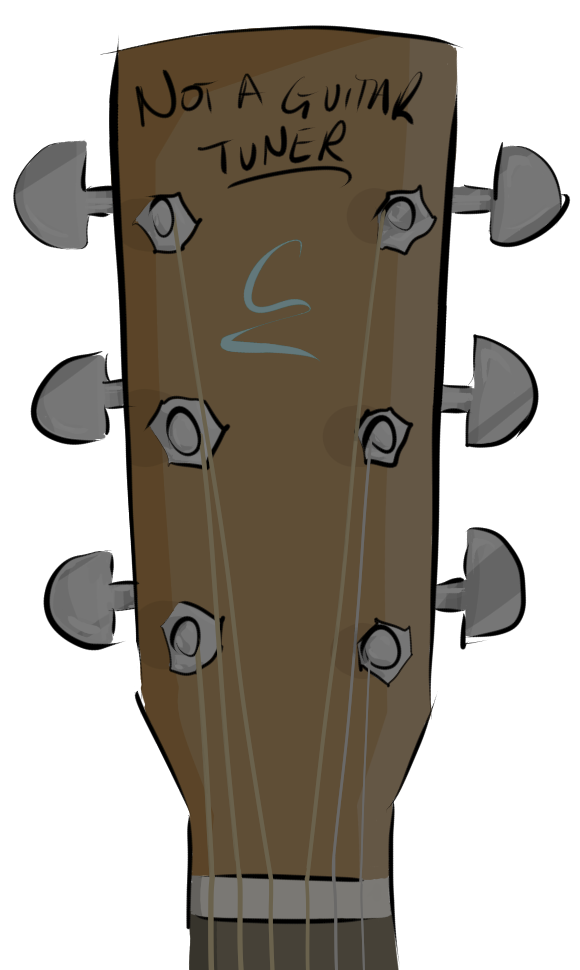
Click a note label to hear that string, tuned exactly as shown — there's no "correct" answer here, this is just for practising tuning by ear.
Press Strum All Notes to hear every string in order, low to high. Play All Slowly does the same thing, one note at a time with a pause in between.
Hold-click (press and hold) a note label on a touchscreen, or double-click it quickly with a mouse, to open a menu of the other real recorded notes for that string — pick one to re-tune just that string.
If the notes across all six strings no longer match one of the named tunings, the tuning shown above the guitar will simply say "Custom".
Toggle Repeat Notes on to keep replaying whichever note you last selected, every 4 seconds, until you turn it off.
Toggle Let Notes Ring on to let notes overlap instead of cutting each other off, when selecting notes or using Play All Slowly.
Use Settings to jump straight to any of the built-in tunings, or switch between acoustic guitar samples and a pure sine tone.